Skip to content

Recent Article

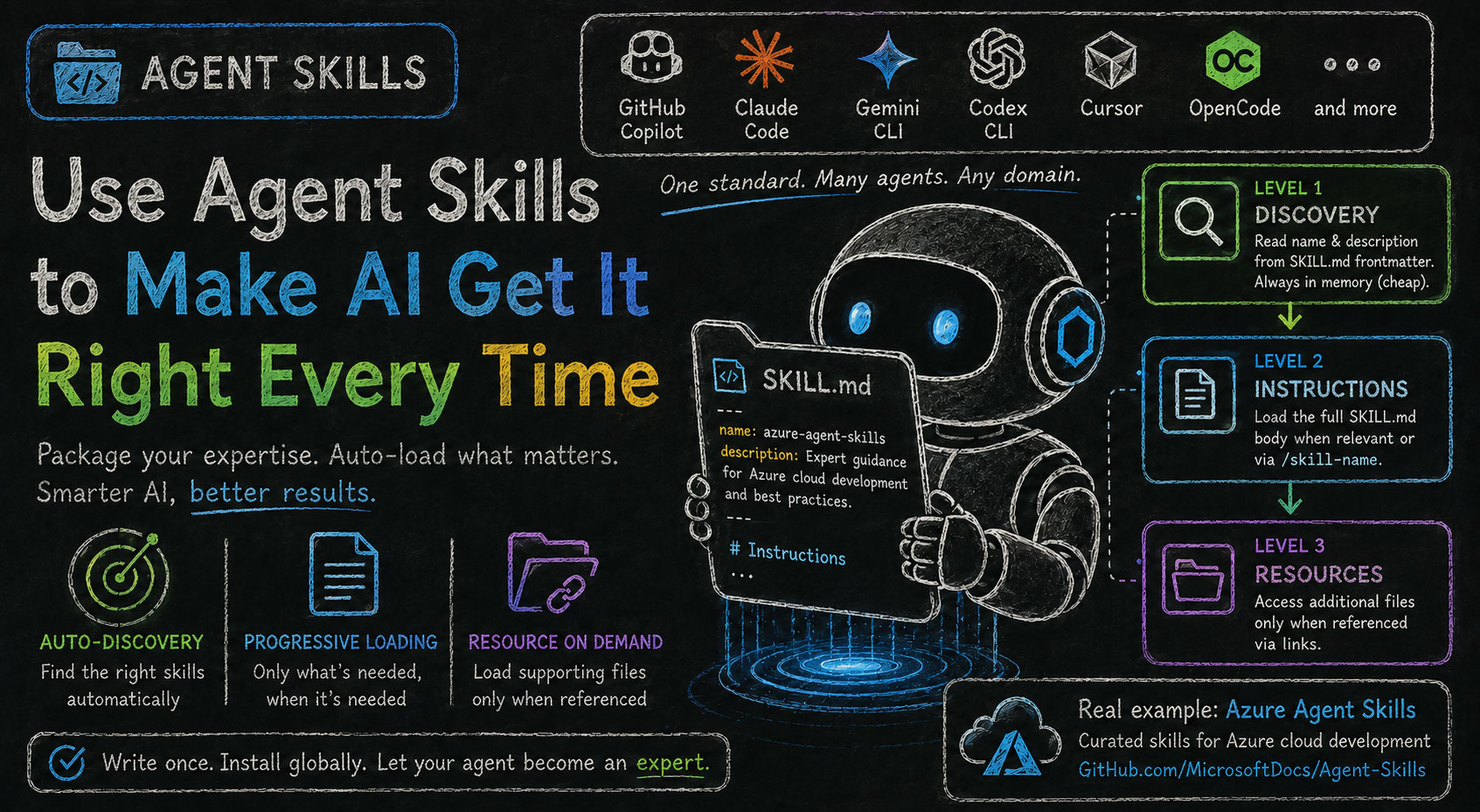
Agent Skills: Use Agent Skills to Make AI Get It Right Every Time

alt text

The other day, a colleague asked me why he wasn't getting the same output from an AI agent that I was. What was he missing?

AI agents (like GitHub Copilot, Claude Code, or Cursor) are powerful general-purpose assistants, but they don't always have deep, up-to-date knowledge about your specific domain, toolchain, or workflow. Agent Skills bridge that gap by letting you package domain-specific expertise as SKILL.md files that AI coding assistants can load on demand — making the agent smarter about the topics that matter to you.

Agent Skills is an open standard — not tied to any single AI tool. The same skills work across GitHub Copilot, Claude Code, Gemini CLI, Codex CLI, Cursor, OpenCode, and more. When you ask a relevant question, the agent auto-discovers and loads the appropriate skill with no explicit invocation required.

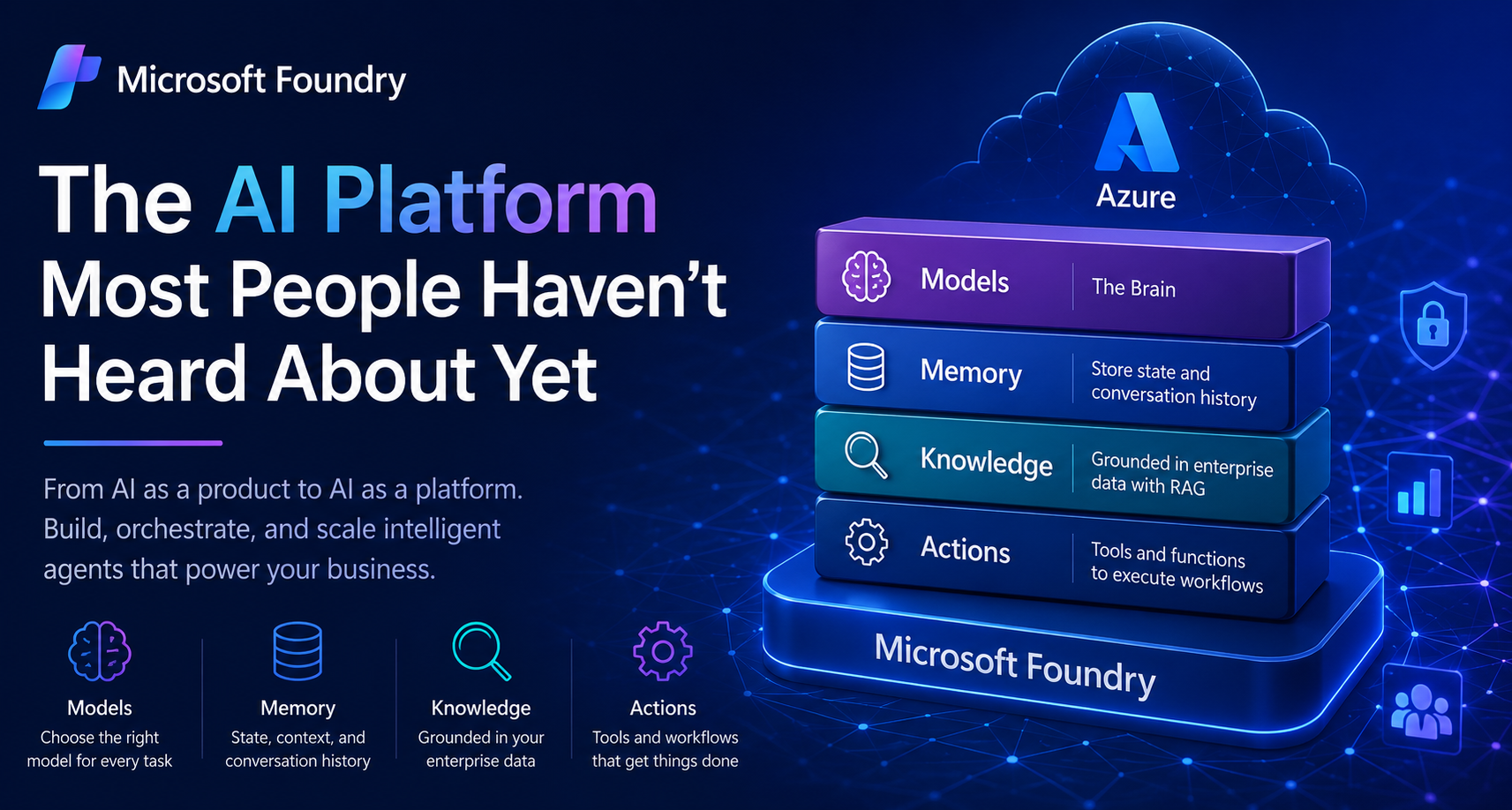
Microsoft Foundry: The AI Platform Most People Haven’t Heard About Yet

alt text

When people talk about AI today, the conversation almost always starts with products.

You hear names like ChatGPT, Gemini, Claude, or Microsoft Copilot.

And honestly, they’re incredible products.

They help us write documents faster, summarize meetings, generate code, brainstorm ideas, and automate everyday tasks. They’re polished, accessible, and designed to boost individual productivity right out of the box.

But there’s a huge distinction that often gets overlooked.

These tools are AI as a product.

What many organizations are actually looking for is something very different:

AI as a platform.

And that’s where Microsoft Foundry enters the picture.

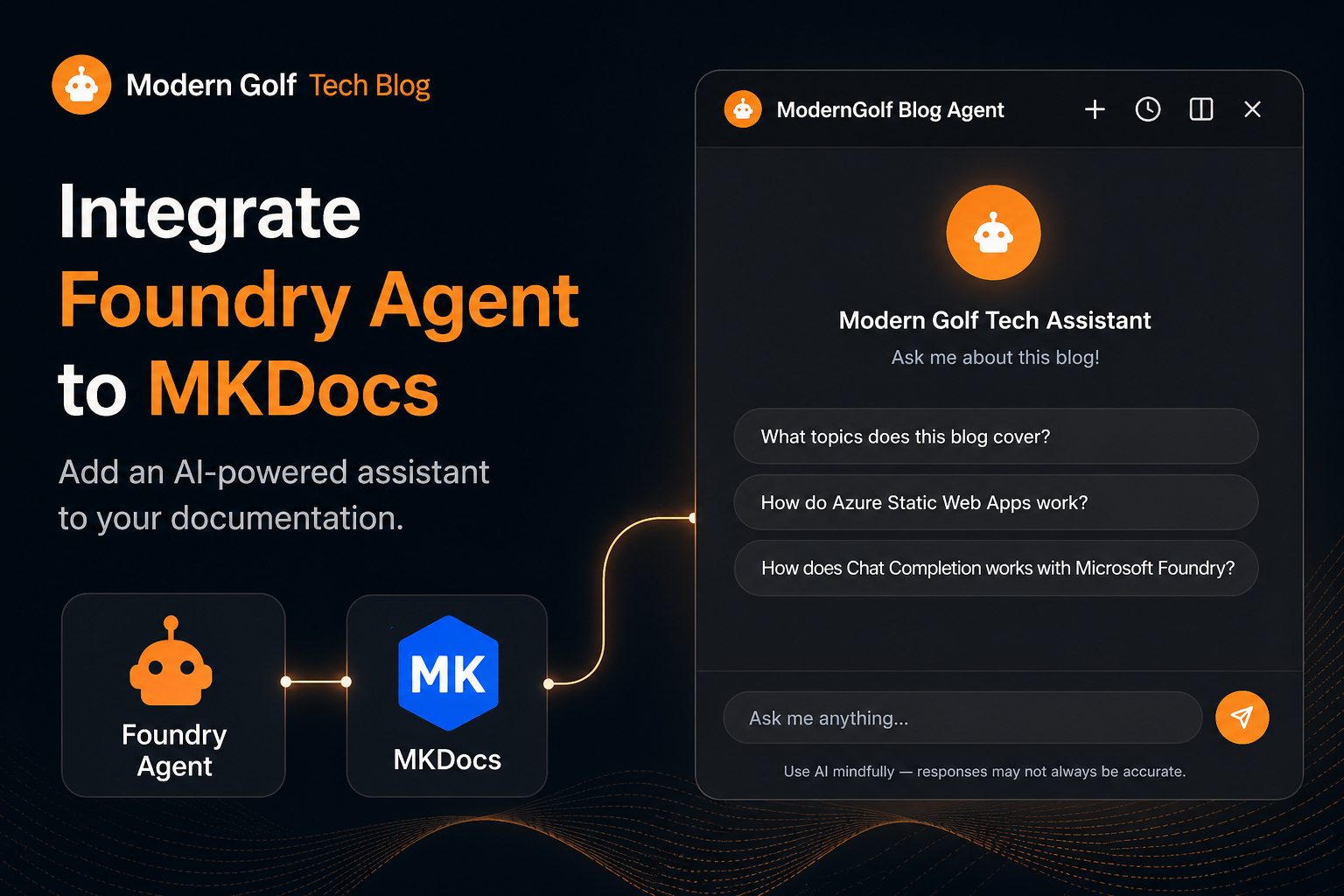
Integrate Foundry Agent to MKDocs

alt text

What if every reader of your blog could ask questions and get intelligent answers, grounded in what you actually wrote?

That was the idea behind adding an AI assistant to this very site. In this post I will walk through how I integrated a Microsoft Foundry Agent directly into MkDocs, turning a static blog into an interactive, AI-powered knowledge base.

Beyond Prompting: RAG with Microsoft Foundry and FoundryIQ

alt text

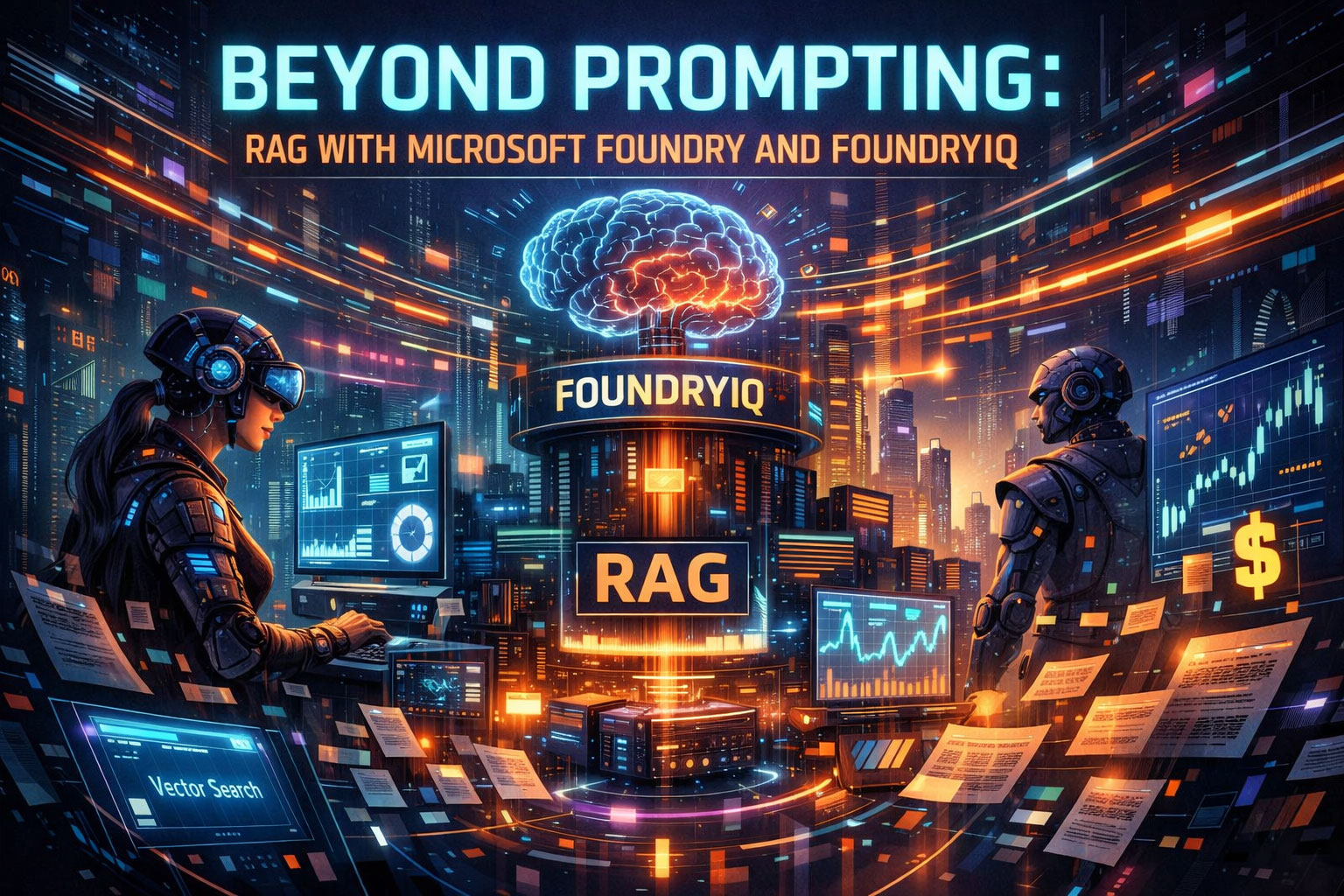
RAG has become a common term in modern AI discussions but what does it actually mean?

RAG stands for Retrieval Augmented Generation. In simple terms, it is a technique that allows large language models (LLMs) to generate answers using external knowledge, rather than relying only on what was learned during model training.

Let’s make this easier to understand with a concrete example.

From Zero to Stateful: Building a PowerShell Chat Completion with Microsoft Foundry

alt text

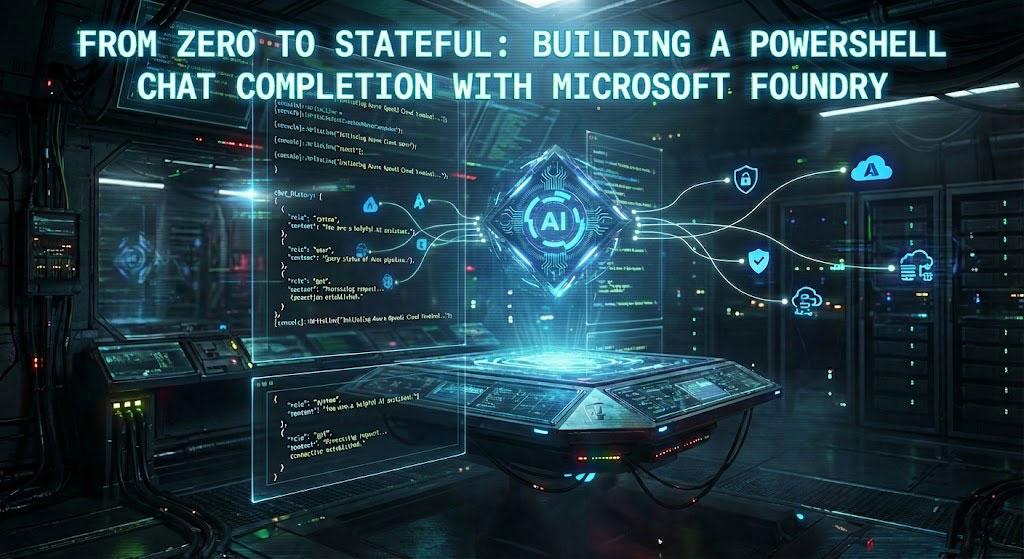
Did you know that large language models don’t actually remember your conversations?

Every time you chat with a LLM, it feels continuous and stateful but under the hood, each response is generated from scratch. Any “memory” you experience is carefully reconstructed by the application.

In this post, I’ll walk you through building a PowerShell chat completion using Microsoft Foundry, and we’ll unpack exactly how chat history works, where it’s stored, and why the LLM remains fundamentally stateless.